 eOctavo
Pocket Pet
eOctavo
Games · Includes artwork
A pocket pet that only grows while you're watching.
FreePrice
423 KBSize
v1.1Version
GamesCategory
OfflineWorks offline
About this app
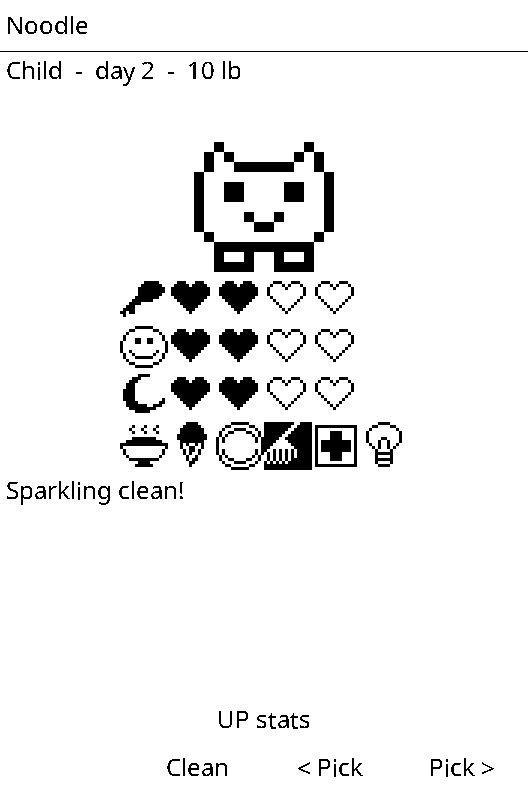
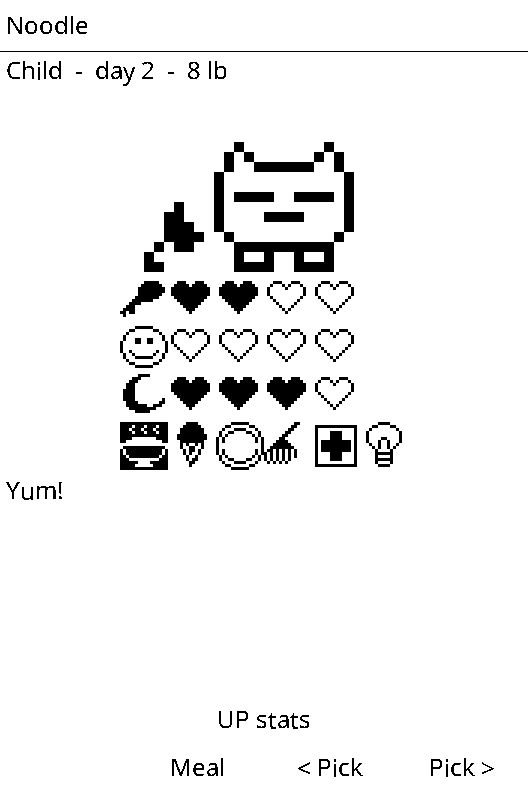
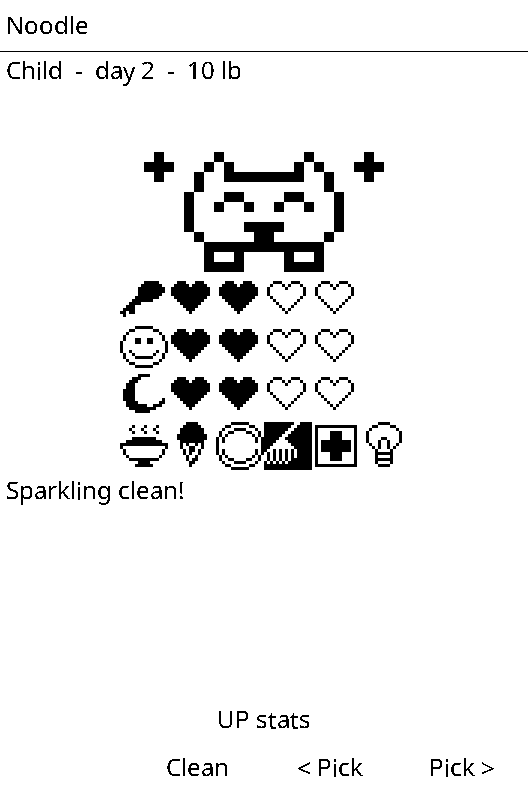
Hatch an egg and raise it to an adult. Feed it, play its guessing game, clean up, give medicine and turn the light off at bedtime. Time only passes while the app is open. How it grows up depends on your care.
Updated Oct 1, 2026
GamesWhat's new
Version 1.1
New pixel-art pets with animations: it wanders around, chomps its food and jumps for joy.
Data safety
Works offline
Never goes online.
Saves its own data
Keeps its progress in its own save slot on the SD card.
Can't see your stuff
Apps run in a sandbox: no access to your books, notes, contacts or other apps.
Wakes itself
Updates on a timer while it's open, which uses a little more battery.
Install on your X3
- Connect your X3 to Wi-Fi (Settings › Wi-Fi).
- Open Store on the home screen. Not there yet? Scroll to the bottom and choose Check for new apps.
- Pick Pocket Pet, press OK, then OK again to install. It goes in the Games folder on the home screen.
No Wi-Fi? Download pet.lua and pet.art above and copy them into the apps folder on the X3's SD card.
App info
- Version
- 1.1
- Updated
- Oct 1, 2026
- Size
- 423 KB
- Files
- pet.lua, pet.art
- Made by
- eOctavo
- Requires
- eOctavo on an Xteink X3