 eOctavo
Our pick
Five Letters
eOctavo
Games · Includes artwork
Guess the hidden word in six tries. New one daily.
FreePrice
31 KBSize
v1.0Version
GamesCategory
OfflineWorks offline
About this app
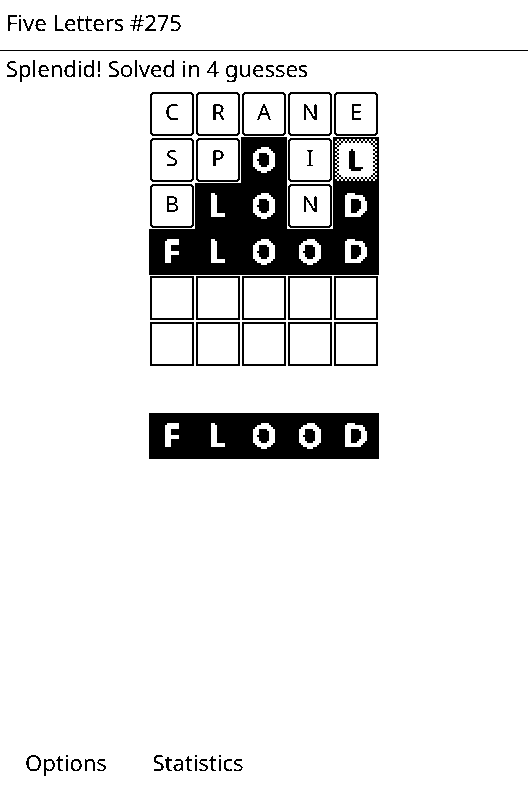
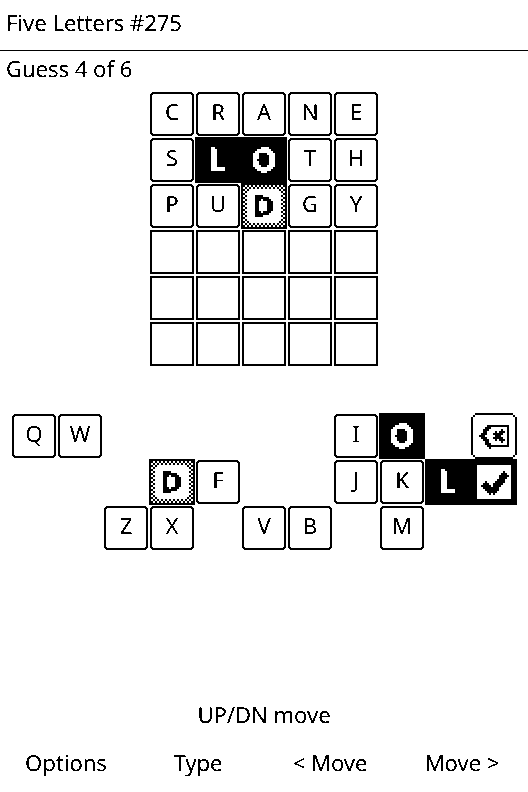
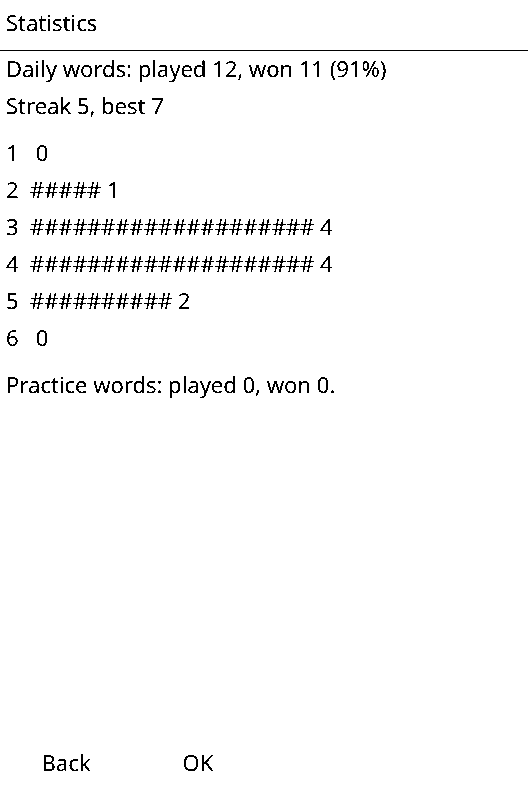
Guess the hidden five-letter word in six tries. Every guess shows which letters are in the right place and which belong somewhere else. A new word each day (once Wi-Fi has set the clock), endless practice words and your streak.
Updated Oct 2, 2026
GamesWhat's new
Version 1.0
First release.
Data safety
Works offline
Never goes online.
Saves its own data
Keeps its progress in its own save slot on the SD card.
Can't see your stuff
Apps run in a sandbox: no access to your books, notes, contacts or other apps.
Install on your X3
- Connect your X3 to Wi-Fi (Settings › Wi-Fi).
- Open Store on the home screen. Not there yet? Scroll to the bottom and choose Check for new apps.
- Pick Five Letters, press OK, then OK again to install. It goes in the Games folder on the home screen.
No Wi-Fi? Download fiveletters.lua and fiveletters.art above and copy them into the apps folder on the X3's SD card.
App info
- Version
- 1.0
- Updated
- Oct 2, 2026
- Size
- 31 KB
- Files
- fiveletters.lua, fiveletters.art
- Made by
- eOctavo
- Requires
- eOctavo on an Xteink X3